
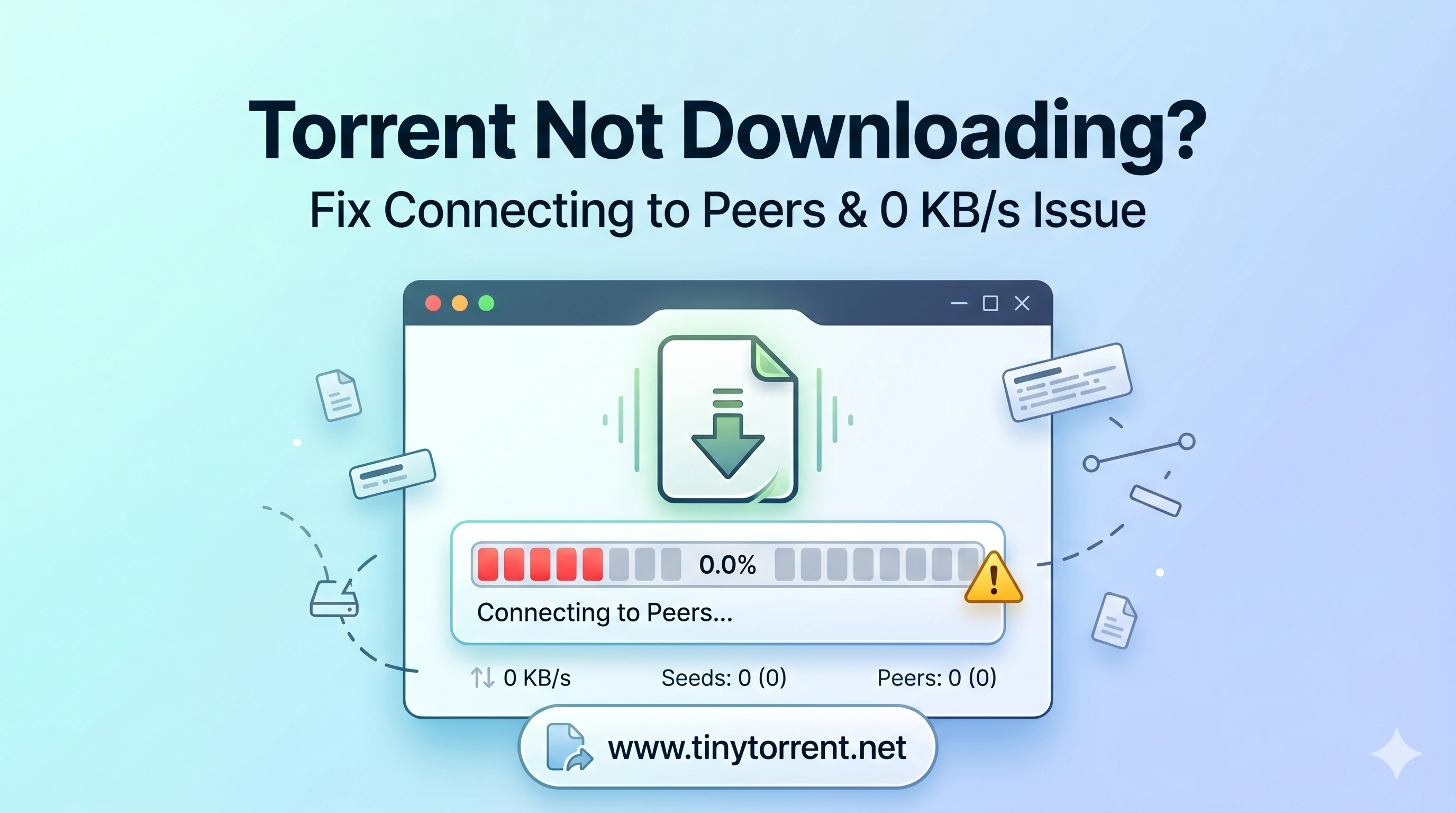
✔ Fix 0 KB/s issues • ✔ Solve connecting to peers • ✔ Works instantly
If your torrent is not downloading, the most common causes are no seeders, outdated trackers, or ISP blocking. Adding updated trackers and using a VPN can fix it instantly.
If your torrent is stuck at 0%, connecting to peers, or not downloading metadata, this guide will help you fix it step by step.
This works for qBittorrent, uTorrent, Deluge, and Transmission.
📌Other Common Torrent Errors (Quick Fix)
Sometimes the problem appears in different ways depending on the client or network. Here are quick fixes for common variations:
- Torrent stuck at 0% → No seeders or inactive torrent
- Connecting to peers but not downloading → Network or ISP blocking
- Metadata not downloading → No peers available or trackers
- Torrent slow download speed → Poor peers or throttling
- Torrent not responding → Restart client and update trackers
👉 Most of these issues are solved by adding fresh trackers or switching network conditions.
🛠️ Step-by-Step Fix
1. Add Working Trackers (Most Important)
Outdated trackers are the most common reason torrents stop downloading.
👉 Fix: Add fresh working trackers:
- Right-click torrent
- Click “Edit Trackers”
- Paste the new trackers
- Click OK
Your ISP may be blocking or slowing torrent traffic.
🚀 Fix Torrent Speed with VPN
2. Check Seeder Availability
If a torrent has 0 seeders, it will not download.
- Choose torrents with high seed count
- Try a different source
3. Force Reannounce
- Right-click torrent
- Click “Force Reannounce”
4. Torrent Stuck Connecting to Peers
Quick Fix: Add working trackers and use a VPN if your ISP is blocking connections.
5. Torrent Metadata Not Downloading
Quick Fix: Add updated trackers and wait for peers to connect. Without peers, metadata will not load.
6. Fix Firewall or Antivirus
- Allow your torrent client in firewall
- Disable antivirus temporarily (for testing)
7. Enable Correct Port
- Go to settings → Connection
- Enable random or open port manually
⚡ Best Way to Fix Torrent Issues Fast
- Add fresh trackers
- Check seeders
- Restart client
- Use VPN if blocked
🚀 Torrent Slow or Blocked? (Important)
If your torrent:
- Stays at 0 KB/s
- Connects but doesn’t download
- Works sometimes but not always
Your ISP may be throttling or blocking torrent traffic.
⚡ Best Settings for Faster Downloads
- Use updated trackers
- Limit upload speed (80%)
- Enable DHT & PEX
- Use fast VPN server
More Questions People Ask
Why is torrent download speed 0 KB/s?
This usually happens when there are no seeders or your ISP is limiting torrent traffic.
Why does torrent show downloading but no progress?
It means peers are not sending data, often due to poor availability or connection issues.
Can firewall block torrent downloads?
Yes, firewall or antivirus can block torrent connections. Allow your torrent client to fix it.
❓ FAQ
Why is my torrent stuck at 0%?
No seeders or bad trackers.
Why metadata is not downloading?
No peers or tracker issue.
Does VPN help torrenting?
Yes, it bypasses ISP throttling and improves speed.
👉 Still facing issues? Use our tracker list or try a torrent VPN.