
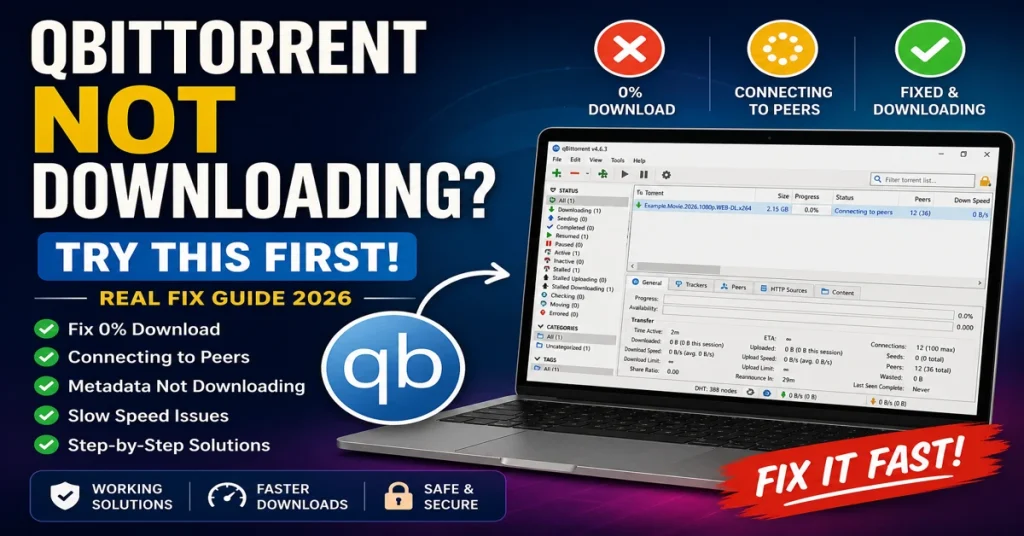
Fix qBittorrent stuck at 0%, connecting to peers, and slow download speed issues
✔ Fix 0% issues • ✔ Solve peer connection • ✔ Boost speed instantly
You open qBittorrent, add a torrent… and nothing happens.
No download. Stuck at 0%. Or worse — “connecting to peers” forever.
This is a very common issue. The good part? In most cases, you can fix it in a few minutes.
Why is qBittorrent not downloading?
qBittorrent may not download due to no seeders, outdated trackers, firewall restrictions, or ISP blocking torrent traffic. Adding updated trackers, checking seeders, and restarting the client usually fixes the issue.
✔ Fix connecting to peers
✔ Fix metadata not downloading
✔ Fix slow torrent speed
Before Fixing — Identify Your Issue
Your problem usually falls into one of these:
- Stuck at 0%
- Connecting to peers but not downloading
- Metadata not loading
- Slow download speed
Find your case below and fix it directly.
⚡ Try This First (Works in Most Cases)
Before changing settings or reinstalling anything, try this:
- Add fresh working trackers
- Right-click torrent → Force reannounce
- Check if the torrent has seeders
In many cases, downloads start immediately after this.
📌 What’s Actually Going Wrong?
qBittorrent usually fails due to one of these reasons:
- No seeders available
- Outdated or dead trackers
- Your network blocking torrent connections
- The torrent itself is inactive
Let’s fix each scenario properly.
Torrent Stuck at 0%
Why this happens
This usually happens when there are no seeders or the torrent is inactive.
How to fix it
- Check seeders
- Try another torrent
- Add fresh trackers
Quick Fix: If qBittorrent is stuck at 0%, it usually means no seeders are available or the torrent is inactive.
Connecting to Peers but Not Downloading
Why this happens
This means your client found peers but cannot connect…
If this keeps happening even after adding trackers, your network or ISP may be blocking connections. In such cases, using a VPN often resolves the issue.
Quick Fix: If qBittorrent is connecting to peers but not downloading, your network or firewall may be blocking connections.
How to fix it
- Add trackers
- Restart client
- Check firewall
If it still doesn’t connect, your network may be blocking torrent traffic.
👉 In that case, using a torrent VPN usually fixes the issue instantly.
⏳ If Metadata Is Not Downloading
This happens mostly with magnet links.
Your client is waiting for peers to send file info.
Fix:
- Add fresh trackers
- Wait a few minutes
- Try another torrent if needed
If this keeps happening, follow the full troubleshooting guide here: 👉 Torrent not downloading fix
⚡Torrent Slow Download Speed Fix
If your speed stays very low even with good seeders, your ISP may be limiting torrent traffic. Using a VPN can help restore normal speed.
- Update trackers
- Limit upload speed slightly
- Switch networks (if possible)
If speed drops randomly or stays low all the time:
Your ISP is likely throttling torrent traffic.
👉 A VPN helps bypass this
and restores normal speed.
❓ Still Not Working?
If nothing worked so far, go deeper here:
👉 Complete torrent troubleshooting guide
🧠Best Way to Fix Torrent Issues Quickly
If you don’t want to go through every step, follow this:
- Add fresh trackers
- Check seeders
- Force reannounce
- Restart torrent client
- Use VPN if needed
This fixes most torrent problems within minutes.
Still not downloading?
If none of the fixes worked, your ISP or network may be blocking torrent traffic.
❓ FAQ
Why is qBittorrent not downloading?
Usually because of no seeders, outdated trackers, or blocked connections.
Why is it stuck at 0%?
No seeders are available.
Why does it connect but not download?
Network or ISP restrictions prevent data transfer.
Does VPN improve speed?
Yes, especially if your ISP limits torrent traffic.
👉 Try the tracker list first — it solves most issues.
What to Do Next
Start by adding fresh trackers. If that doesn’t work, check your network or try a VPN to bypass restrictions.